How Do You Cancel Blue Apron: Simple Steps to Stop Your Subscription
Blue Apron is a popular meal kit delivery service. It helps people cook meals at home. But sometimes, you might want to stop your Blue Apron subscription. Maybe you don’t need it anymore. Or you want to try something else. Whatever the reason, canceling Blue Apron is simple. This guide will help you do it step by step.
What Is Blue Apron?
Blue Apron sends fresh ingredients and recipes to your home. You get everything you need to cook meals. It saves time shopping. You try new recipes without much effort. But if you want to stop the service, you must cancel your subscription first.
Important Things to Know Before Canceling
- You can skip weeks if you don’t want to cancel.
- Canceling stops future deliveries.
- You won’t get a refund for meals already sent.
- You can restart your account anytime after canceling.
Keep these points in mind before you cancel. It helps you avoid surprises.
How to Cancel Blue Apron
There are two main ways to cancel your Blue Apron subscription. You can do it on the website or by contacting customer service.
Cancel On The Blue Apron Website
- Go to Blue Apron’s website.
- Log in to your account using your email and password.
- Go to the “Account” or “Settings” section.
- Find the “Subscription” or “Manage Subscription” option.
- Look for “Cancel Subscription” and click it.
- Follow the steps to confirm your cancellation.
After you finish, you will get an email confirming your cancellation.
Cancel By Contacting Customer Service
If you prefer, you can call or email Blue Apron to cancel.
- Call Blue Apron at 1-800-576-0181 (USA only).
- Ask the customer service agent to cancel your subscription.
- Provide your account details to verify your identity.
- Confirm the cancellation with the agent.
- You should get a confirmation email soon after.
This method is good if you need help or have questions.
What Happens After You Cancel Blue Apron?
Once you cancel, Blue Apron stops sending meals. Your account stays active until the end of the current week. You can still use your account to look at recipes. But no new boxes will arrive.
If you want to start again, just log in and reorder. Blue Apron makes it easy to come back.
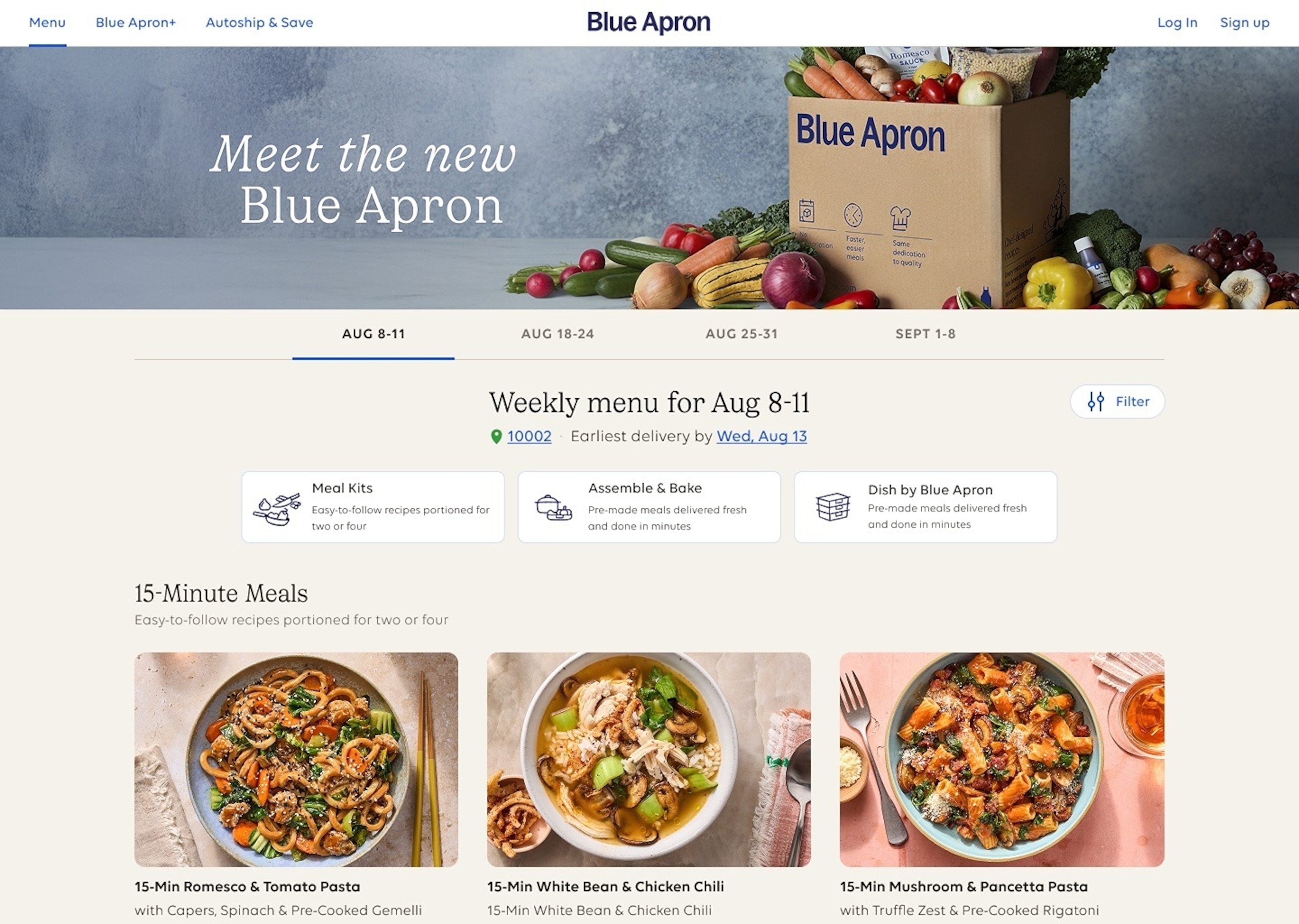
Credit: abcnews.go.com
How to Skip Weeks Instead of Canceling
Maybe you don’t want to cancel completely. You just want to skip a week or two. Blue Apron lets you do that.
- Log in to your Blue Apron account.
- Go to “My Menu” or “Upcoming Deliveries.”
- Choose the week you want to skip.
- Select “Skip” or “Skip This Week.”
- Confirm your choice.
Skipping is a good option if you want a break. You keep your subscription but pause deliveries.
Tips for Cancelling Blue Apron Smoothly
- Cancel before the cutoff time. Usually, this is five days before your next delivery.
- Check your email for cancellation confirmation.
- Keep your account info handy.
- Be polite when talking to customer service.
These tips help you avoid unwanted charges and confusion.
Reasons Why People Cancel Blue Apron
Many people enjoy Blue Apron. But some cancel for reasons like:
- They want to save money.
- They don’t have time to cook.
- They want to try other meal kits.
- They are not happy with the recipes.
- They want to eat out more often.
Whatever your reason, it is easy to stop your Blue Apron subscription.

Credit: www.goodmorningamerica.com
Summary Table: How to Cancel Blue Apron
| Method | Steps | Notes |
|---|---|---|
| Website |
|
Fast and easy. Get email confirmation. |
| Customer Service |
|
Good for questions. Personal help. |
Final Thoughts
Cancelling Blue Apron is simple. You can do it online or by phone. Remember to cancel before the next delivery. Otherwise, you might get charged for the next box. If you like Blue Apron but need a break, try skipping weeks. It’s a flexible way to manage your subscription.
Always check your email for confirmation. Keep your account details safe. If you change your mind, you can start again anytime. Blue Apron makes it easy to pause or stop their service.
Now you know how to cancel Blue Apron. Take your time and choose the best option for you.
Frequently Asked Questions
How Can I Cancel Blue Apron Subscription Easily?
Log into your Blue Apron account. Navigate to the account settings. Follow the cancellation instructions.
Is There A Cancellation Fee For Blue Apron?
No cancellation fee. Cancel anytime without extra charges. Enjoy flexibility with Blue Apron.
How Long Does It Take To Cancel Blue Apron?
Cancellation is immediate. Changes apply to future orders. Check your account confirmation email.
Can I Pause My Blue Apron Subscription Instead?
Yes, pausing is possible. Go to your account settings. Choose the pause option for flexibility.

Ethan Cole is a kitchen innovation enthusiast and food technology writer at DiningGadgets.com. With over 8 years of experience reviewing cookware, smart kitchen tools, and design trends, he helps readers discover gadgets that make cooking easier and dining more enjoyable. When he’s not testing the latest kitchen appliances, Ethan enjoys experimenting with recipes and sharing practical tips for modern homes.