

If you want to stop your Blue Apron delivery, you may wonder how to do it. This guide will help you cancel your Blue Apron subscription easily. We will explain every step clearly. You will learn how to cancel online and what to expect after cancellation.
What is Blue Apron?
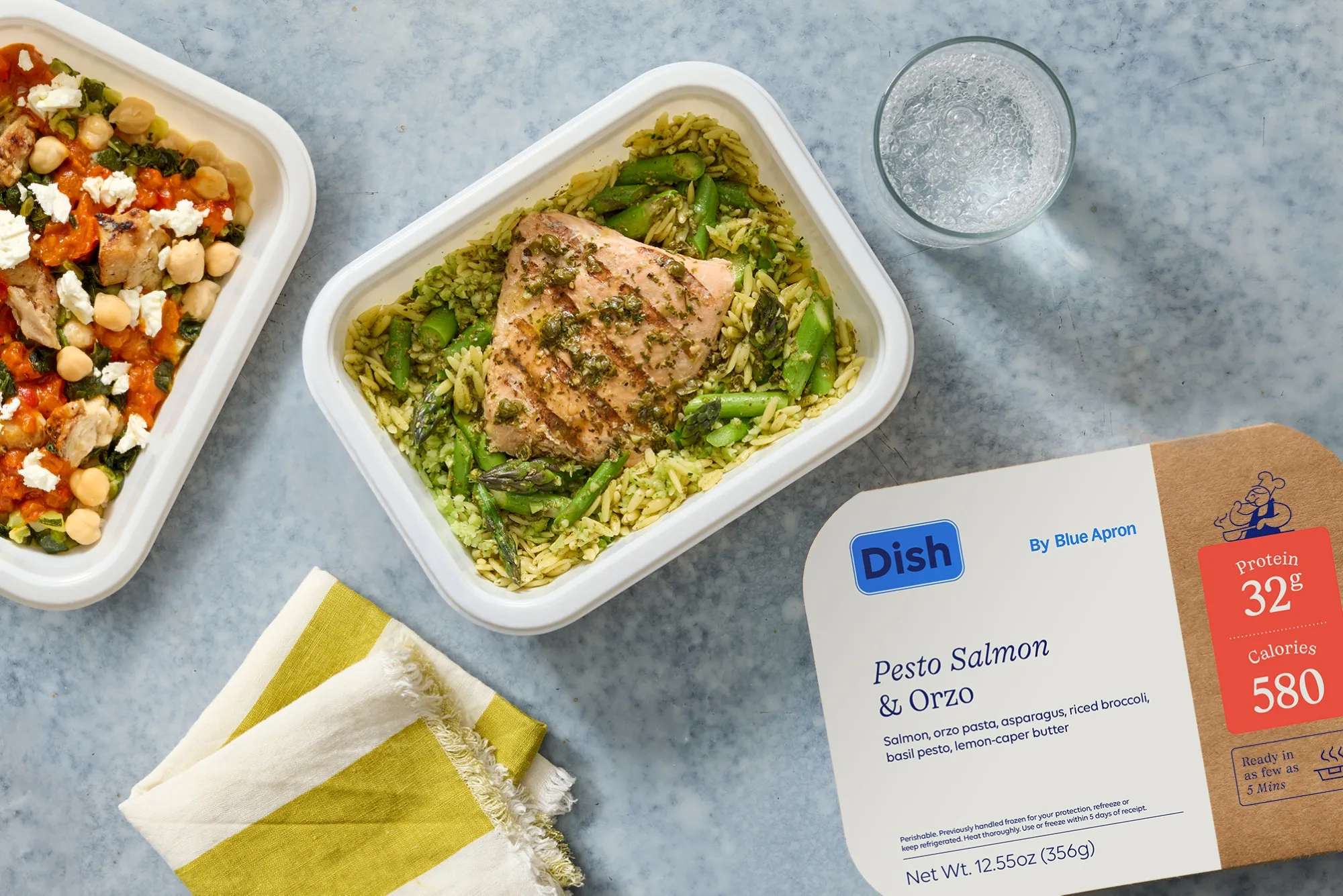
Blue Apron is a meal kit delivery service. It sends you boxes with fresh ingredients. You get recipes and food to cook meals at home. Many people like it because it saves time shopping. But sometimes, you may want to stop your subscription. Maybe you want to try something new. Or you want to save money. Whatever the reason, canceling is simple.
Things to Know Before Canceling
- You must cancel before your next delivery date.
- If you miss the deadline, you will get the next box.
- Blue Apron does not give refunds for boxes already shipped.
- You can pause your subscription instead of canceling.
Pausing means you stop deliveries for a while. You can start again later. This may be better if you only want a break.
How to Cancel Blue Apron: Step-by-Step Guide
Follow these steps to cancel your Blue Apron subscription:
Step 1: Log In To Your Account
First, go to the Blue Apron website. You will see a login button at the top right. Click it. Enter your email and password. Then click “Sign In.”
Step 2: Go To Account Settings
After logging in, find the “Account” or “Settings” option. This is usually at the top right corner. Click on it. This will open your account details.
Step 3: Find Subscription Or Plan Section
Look for a section called “Subscription,” “Plan,” or “Manage Plan.” This shows your current meal plan details. Click on it to see options for your subscription.
Step 4: Choose Cancel Subscription
Inside the subscription section, find the “Cancel” button or link. It may say “Cancel Plan” or “End Subscription.” Click this button. Blue Apron may ask why you want to cancel. You can choose a reason or skip.
Step 5: Confirm Cancellation
Blue Apron will show a confirmation page. It tells you the cancellation effects. Read it carefully. Then, click “Confirm” or “Cancel Subscription” to finish. You should get an email that says your subscription ended.
How to Pause Your Blue Apron Subscription
If you don’t want to cancel fully, you can pause. This means no deliveries for a time. Later, you can start again easily.
Here is how to pause:
- Log in to your Blue Apron account.
- Go to “Account” or “Subscription” settings.
- Find the option “Pause Delivery” or “Skip Weeks.”
- Select how many weeks to pause or which weeks to skip.
- Save your changes.
This is useful if you are busy or going on vacation.
Credit: www.bloomberg.com
Canceling Blue Apron by Phone
If you find the website confusing, you can call Blue Apron. Customer service can help you cancel. Here is what to do:
- Call Blue Apron customer service at 1-800-305-2826.
- Tell them you want to cancel your subscription.
- They will ask for your account information.
- They will confirm the cancellation with you.
Phone support is good if you want to talk to a person.
What Happens After You Cancel Blue Apron?
After you cancel, you will not get new deliveries. Your current box will still come if it is already shipped. You can use the ingredients in that box. Blue Apron keeps your account information. You can log in to check past orders. You can also restart your subscription anytime.
Credit: medium.com
Important Tips for Blue Apron Cancellation
- Cancel before the weekly cutoff day to avoid charges.
- Keep your login details safe for future use.
- Read the email confirmation carefully.
- If you want to come back, you can re-subscribe later.
Summary Table: How to Cancel Blue Apron
| Step | What to Do | Details |
|---|---|---|
| 1 | Log in | Go to Blue Apron website and sign in. |
| 2 | Open Account Settings | Click on Account or Settings menu. |
| 3 | Find Subscription | Click on Subscription or Plan section. |
| 4 | Cancel Subscription | Click Cancel button and select reason. |
| 5 | Confirm | Confirm cancellation and check email. |
Final Thoughts
Canceling Blue Apron is simple if you follow steps. You can cancel online or by phone. Always cancel before the next delivery date. Pausing is a good option if you want a break. Remember to check your email for confirmation. This helps avoid surprises. If you change your mind, you can come back anytime. Now you know exactly how to stop Blue Apron service. Take control of your meal plans easily.
Frequently Asked Questions
How Can I Cancel My Blue Apron Subscription?
Log in to your account. Go to settings. Select “Manage Subscription. ” Choose “Cancel Subscription. “
Is There A Cancellation Fee For Blue Apron?
No, Blue Apron does not charge a cancellation fee. Cancel anytime.
Can I Pause My Blue Apron Subscription Instead?
Yes, you can pause deliveries. Use the “Manage Delivery” option in your account.
How Long Before A Delivery Can I Cancel?
Cancel at least five days before your next scheduled delivery. Avoid unwanted charges.

Ethan Cole is a kitchen innovation enthusiast and food technology writer at DiningGadgets.com. With over 8 years of experience reviewing cookware, smart kitchen tools, and design trends, he helps readers discover gadgets that make cooking easier and dining more enjoyable. When he’s not testing the latest kitchen appliances, Ethan enjoys experimenting with recipes and sharing practical tips for modern homes.