How to Cancel Your Blue Apron Account: Easy Steps to Stop Now
Blue Apron is a popular meal kit service. It delivers fresh ingredients and recipes to your door. Many people enjoy trying new meals at home. But sometimes, you may want to stop the service. Maybe you want to save money or try something else. Whatever the reason, canceling your Blue Apron account is easy. This guide will show you how to do it step by step.
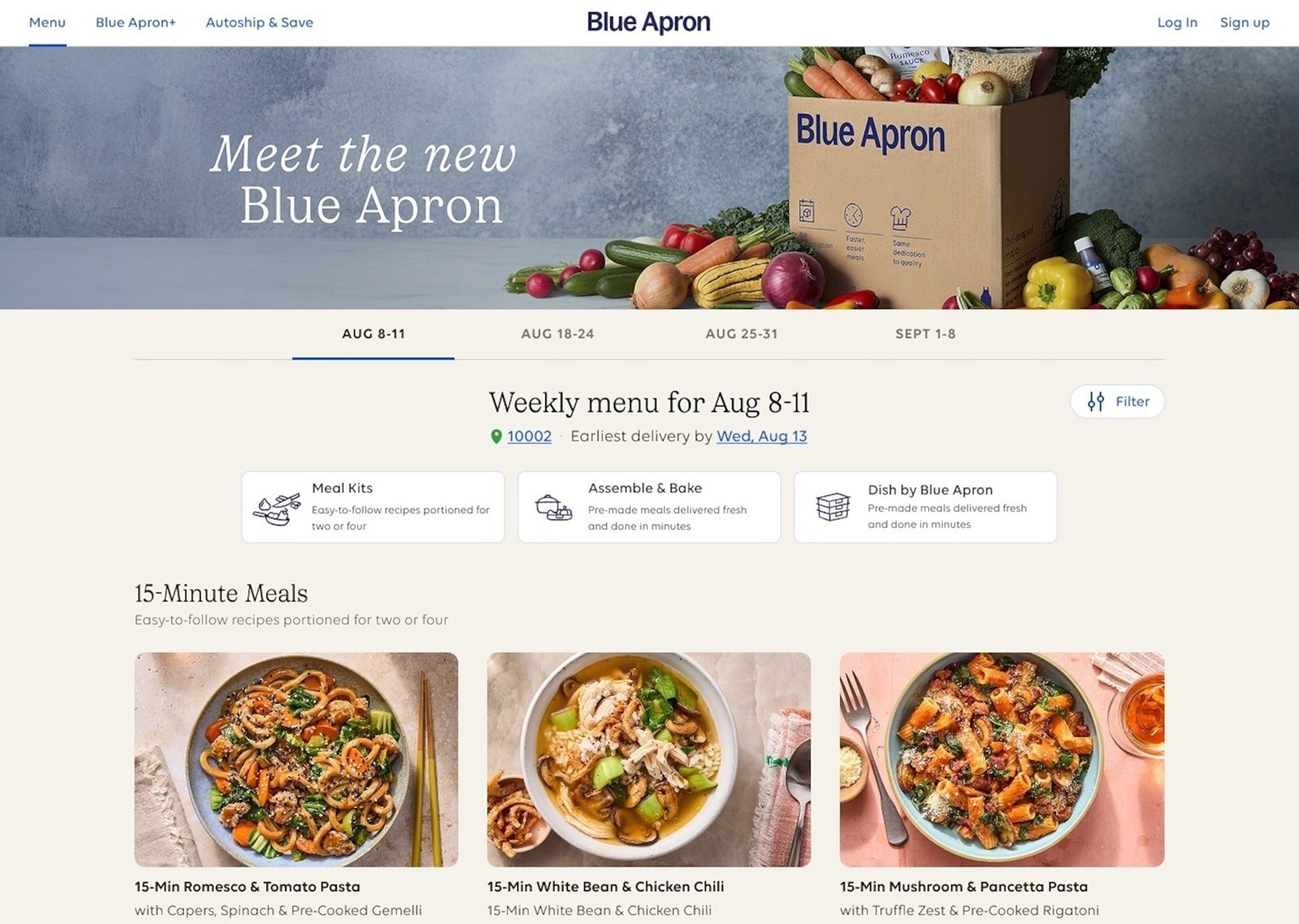
Credit: www.bloomberg.com
What You Need to Know Before Cancelling
Before you cancel, it is good to know some facts. Blue Apron offers weekly meal deliveries. If you cancel, you will stop getting boxes. Also, if you cancel after the cut-off day, you may still get the next box. This is because Blue Apron plans orders in advance.
Make sure you check when your next box ships. This can help you avoid paying for something you do not want. You can find your next delivery date in your account settings.
Step 1: Log In to Your Blue Apron Account
First, go to the Blue Apron website. You can use a computer, phone, or tablet. Then, find the “Log In” button at the top right corner. Click it.
Enter your email and password. If you forgot your password, click “Forgot Password.” Follow the steps to reset it. Once logged in, you will see your account page.
Step 2: Go to Your Account Settings
On your account page, look for the “Settings” or “Account” option. It is usually near your profile name or picture. Click on it.
In the settings, you can see your subscription details. Look for the option related to your meal plan or deliveries.
Step 3: Find the Cancel Subscription Option
Scroll down in your account settings. You should see a link or button that says “Cancel Subscription” or “Pause Subscription.”
Sometimes, Blue Apron offers the choice to pause instead of canceling. Pausing means you stop deliveries for a while but keep your account. If you only want a break, pausing might be better.
Step 4: Confirm Your Cancellation
Click the “Cancel Subscription” button if you want to stop completely. Blue Apron may ask why you want to cancel. You can choose a reason from a list or write your own.
After that, you must confirm your choice. This step is important to avoid accidental cancellation. Once confirmed, your subscription will be canceled.
Credit: www.goodmorningamerica.com
Step 5: Check for Confirmation Email
After canceling, Blue Apron will send an email. This email confirms your cancellation. It may also tell you when your last box will arrive.
Keep this email for your records. If you do not get it, check your spam folder. If you still do not see it, contact Blue Apron customer service.
How to Contact Blue Apron Customer Service
If you have trouble canceling, customer service can help. Here are ways to reach them:
- Call their phone number.
- Use the chat option on their website.
- Send an email through the contact form.
Make sure you have your account info ready. This will help them find your details faster.
What Happens After You Cancel?
Once canceled, Blue Apron stops sending you meals. Your account stays in the system for a while. You can log in anytime if you want to restart later.
If you canceled close to your delivery date, you might still get one more box. This depends on when you canceled compared to the order cut-off time.
Blue Apron does not give refunds for boxes already shipped. So, be sure to cancel before the next box is prepared.
Tips to Remember When Canceling Blue Apron
- Cancel before the weekly cut-off day to avoid charges.
- Keep your login info handy for easy cancellation.
- Read emails from Blue Apron about shipping dates.
- Consider pausing if you want a break, not full cancellation.
- Contact customer service if you face problems.
Summary Table: Blue Apron Cancellation Process
| Step | Action | Notes |
|---|---|---|
| 1 | Log in to your Blue Apron account | Use your email and password |
| 2 | Go to account settings | Find “Settings” or “Account” section |
| 3 | Find the cancel subscription option | Or choose to pause subscription |
| 4 | Confirm cancellation | Provide reason if asked |
| 5 | Check for confirmation email | Save email for your records |
Final Thoughts
Cancelling your Blue Apron account is simple. Just follow the steps above. Remember to cancel before the next box ships. This helps you avoid extra charges.
If you only want a break, consider pausing your account. This way, you can return anytime without starting over.
And if you get stuck, Blue Apron’s customer service is ready to help. Don’t hesitate to reach out.
With this guide, you can cancel your Blue Apron account quickly and easily. No stress. No confusion. Just clear steps to follow.
Frequently Asked Questions
How Do I Cancel My Blue Apron Account?
Log into your account. Go to the account settings. Choose “Cancel Subscription. “
Can I Pause My Blue Apron Subscription Instead?
Yes, you can pause deliveries. Just adjust the delivery schedule in your account settings.
What Happens After I Cancel My Blue Apron Account?
After cancellation, you won’t receive future deliveries. You can reactivate anytime.
Is There A Cancellation Fee For Blue Apron?
No, there is no cancellation fee. You can cancel anytime without charges.

Ethan Cole is a kitchen innovation enthusiast and food technology writer at DiningGadgets.com. With over 8 years of experience reviewing cookware, smart kitchen tools, and design trends, he helps readers discover gadgets that make cooking easier and dining more enjoyable. When he’s not testing the latest kitchen appliances, Ethan enjoys experimenting with recipes and sharing practical tips for modern homes.